Seed Audio 1.0 AI Audio Generator
Type a scene, a script or a sound, and Seed Audio turns it into voices, dialogue, sound effects and ambience in one take. Clone a voice from a short clip, or let a picture set the scene.
Seed Audio 1.0
Prompt *
Voice
Auto lets the prompt describe the voice
1 credit per second of finished audio · unused credits return automatically
Explore
Hear what Seed Audio makes
Real takes from the studio. Press play, then start your own version from a prompt that is already close.
What is Seed Audio
What is Seed Audio 1.0?
Seed Audio 1.0 is an audio creation model from the ByteDance Seed team, released in July 2026. Instead of reading text aloud like a classic voice engine, Seed Audio models speech, sound effects, ambience and other audio elements together, so a single prompt can return a finished scene: two characters arguing in a café, rain on the window and a spoon against a cup.
SeedAudio gives you that model in the browser. Write what you want to hear, pick a preset voice or describe one, and Seed Audio 1.0 renders it in about a minute. Add up to three reference clips to keep a voice, or one image to let Seed Audio imagine how the scene sounds.
- Voices, dialogue, sound effects and ambience from one prompt
- Up to three reference clips (@Audio1, @Audio2, @Audio3) or one image
- 20 preset voices, plus speed, pitch and volume control
- MP3 or WAV up to 48 kHz, saved to your private library

3 steps. That is all.
No studio, no microphone, no audio editing skills.
Describe the sound
Write the scene like you would explain it to a sound designer: who speaks, what they say, how they feel and what is happening around them.
Let Seed Audio render it
Seed Audio 1.0 mixes the voices, effects and room tone into one take. Most takes are ready in under a minute.
Download and use it
Play it back, download MP3 or WAV, and drop it into your edit. You only pay for the seconds you keep.
Finish audio for real projects
Start from the job in front of you, then shape the take until it fits.
Video voiceovers
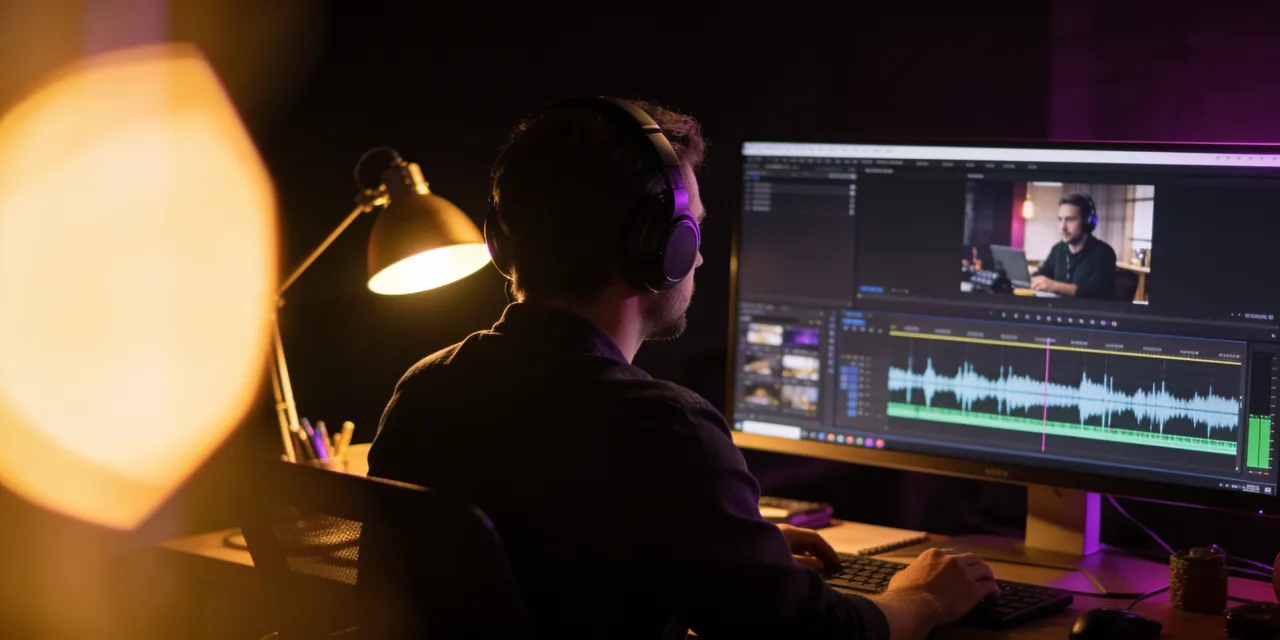
YouTube & TikTokWrite the script, choose a voice and add the room around it. Seed Audio gives narration that already sits in a scene, so your edit needs fewer layers.
Example
Game characters
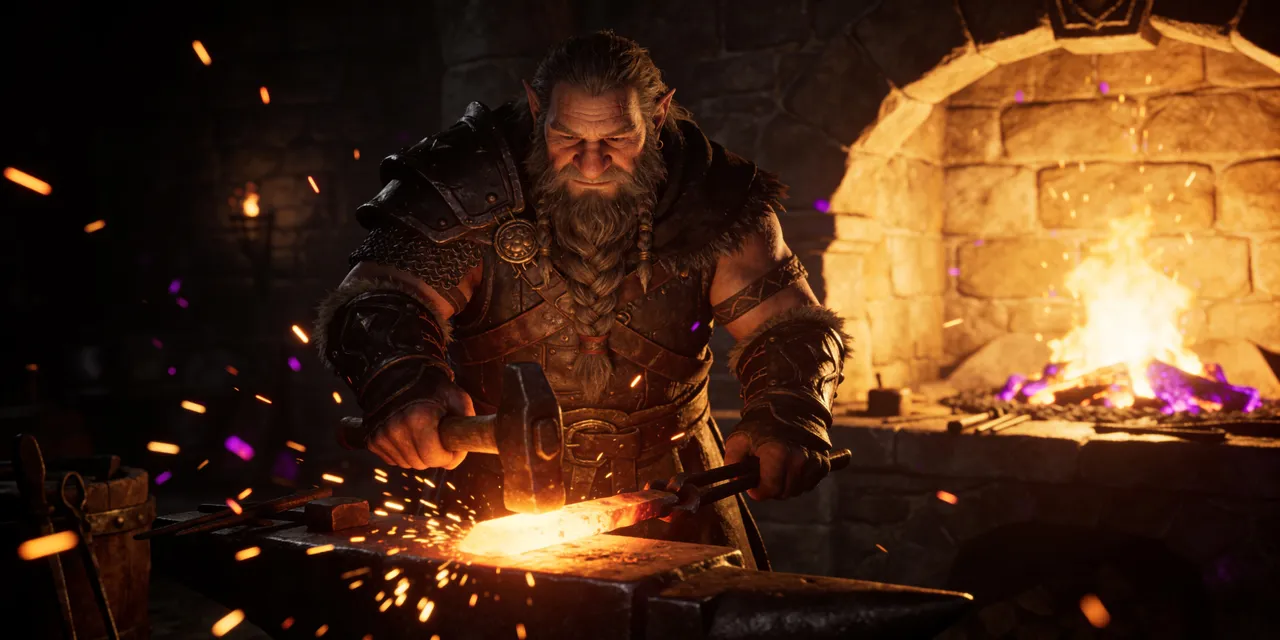
Indie gamesGive every NPC a voice, a mood and a place. Barks, taunts and quest lines come back with the forge, the cave or the crowd already mixed in.
Example
Podcasts and audiobooks
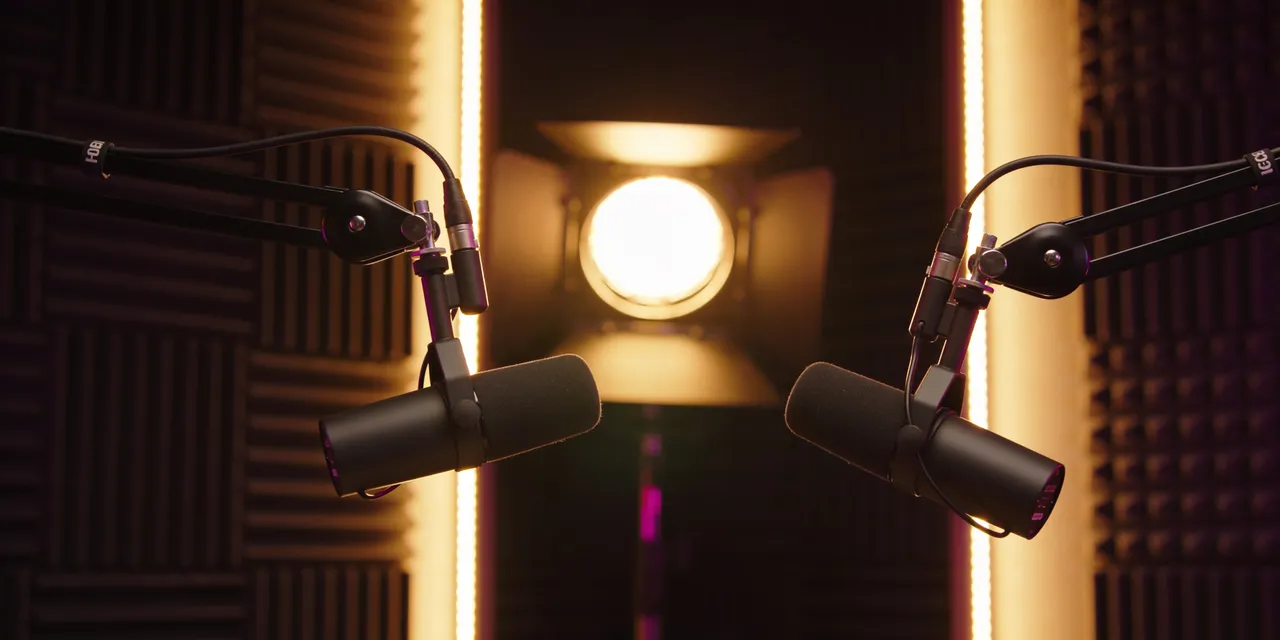
Spoken wordMake show intros, sponsor reads and bedtime stories with a steady, natural delivery. Keep a narrator consistent across episodes with a reference clip.
Example
Ads and brand sound
MarketingDraft three ad reads in different voices before lunch, with the whoosh, the jingle bed or the café ambience already in place so the spot feels finished.
Example
Why Seed Audio
Everything a sound scene needs, from one prompt
Seed Audio 1.0 is more than a voice. Here is what you can do with it on SeedAudio.

One prompt, one scene
Voices, effects and ambience mixed in a single take
Most voice tools stop at speech. Seed Audio 1.0 renders the whole moment: the line, the breath before it, the door behind it and the rain outside. Describe timing in plain words, like "after a short pause", and the model follows it.
- Multi-character dialogue with emotion and pacing
- Foley and sound effects placed where you describe them
- Background ambience that matches the setting
Reference audio
Keep a voice with a 30-second clip
Upload a clean clip of a voice you have the right to use, tag it as @Audio1 in your prompt, and new lines come back in that voice. Add @Audio2 and @Audio3 for a full cast.
Open Voice Clone
Image to audio
Show Seed Audio a picture and hear the place
Drop in a photo of a harbor, a forest or a night market, and Seed Audio 1.0 imagines what it sounds like. Add a line of narration and you have a ready-made scene for a slideshow, a reel or a game level.
Open Image to Audio
Fair pricing
Pay for the seconds you keep, nothing more
A take holds up to 60 credits while it renders. When it finishes, SeedAudio charges one credit per second of audio and returns the rest automatically. Failed takes cost nothing.
See pricingSeed Audio vs classic text to speech
A voice engine reads text. Seed Audio directs a whole sound scene. Here is the difference in practice.
| Seed Audio 1.0 | Classic TTS | |
|---|---|---|
| Speech from text | ||
| Several speakers in one take | ||
| Sound effects and ambience in the same file | ||
| Voice reference clips | Up to 3 | Varies |
| Image as a reference | ||
| Timing and emotion from plain words | Limited | |
| Billing | Per second of audio | Per character |
Tools
More tools built on Seed Audio
Jump straight to the job: a voiceover, a sound effect, a cloned voice, a picture that speaks, or a full song.
AI Voice Generator
Natural voiceovers from a script in 20 preset voices
OpenSound Effect Generator
Foley, ambience and one-shot effects from a description
OpenVoice Clone
Speak new lines in a voice from a short reference clip
OpenImage to Audio
Turn a picture into the sound of its scene
OpenDialogue Generator
Multi-character conversations with timing and emotion
OpenAI Music Generator
Two full songs or instrumentals from one idea
OpenAI Lyrics Generator
Song lyrics with verses and a chorus in seconds
OpenStart free. Upgrade when you are ready.
60 free credits on sign-up, no card needed. Pick a plan or a one-time pack when you want more.
Basic
For creators who need voiceovers and sound every week
$7.99/mo
$95.88 billed yearly · 14,400 credits up front
- 1,200 credits every month
- ≈ 20 minutes of Seed Audio, or 60 songs
- All voices, voice cloning and image to audio
- MP3 and WAV downloads
- Commercial use of your generations
- Private library, public sharing optional
Pro
For channels, studios and podcasts that publish daily
$15.99/mo
$191.88 billed yearly · 36,000 credits up front
- 3,000 credits every month
- ≈ 50 minutes of Seed Audio, or 150 songs
- Everything in Basic
- Premium music model with natural vocals
- Priority processing
- Priority email support
Max
For teams and agencies producing at volume
$39.99/mo
$479.88 billed yearly · 108,000 credits up front
- 9,000 credits every month
- ≈ 150 minutes of Seed Audio, or 450 songs
- Everything in Pro
- Best price per credit
- Early access to new audio models
- Dedicated support
Start free with 60 credits, no card needed. Plan credits refresh each billing period; pack credits never expire. Questions? Email support@seed-aud.io.
Frequently Asked Questions
Quick answers before you start
1What is Seed Audio?
Seed Audio 1.0 is an audio creation model from the ByteDance Seed team. It generates speech, dialogue, sound effects and ambience together from a text prompt, with optional reference clips or a reference image. SeedAudio (seed-aud.io) is an independent website that lets you use Seed Audio 1.0 in your browser.
2Is SeedAudio the official Seed Audio website?
No. SeedAudio is an independent service and is not affiliated with ByteDance. We run the public Seed Audio 1.0 model through a licensed API provider and add a studio, a library, sharing and billing around it.
3How do I use Seed Audio 1.0 online?
Sign in with Google, write a prompt in the studio, pick a voice or leave it on Auto, and press Generate. The take appears in your results in about a minute, ready to play and download.
4Is Seed Audio free?
New accounts get 60 free credits, enough for about a minute of Seed Audio, and you can earn more with the daily check-in. After that, choose a monthly plan or a one-time credit pack.
5How do credits work?
Seed Audio takes cost one credit per second of finished audio. A take holds up to 60 credits while it renders and returns whatever it did not use. A music generation with two songs costs 20 or 60 credits depending on the model.
6Can I clone a voice with Seed Audio?
Yes. Upload up to three clips of up to 30 seconds and refer to them in the prompt as @Audio1, @Audio2 and @Audio3. Only use voices you own or have permission to use; impersonating real people without consent is not allowed.
7Which languages does Seed Audio support?
English and Chinese work best, and several preset voices also cover Japanese, Spanish, Indonesian and Portuguese. Turn on Multilingual in the advanced options for non-English or mixed-language prompts.
8How long can a Seed Audio take be?
Each Seed Audio 1.0 take runs up to about two minutes. For longer pieces, generate scenes one after another and join them in your editor.
9Can I use the audio commercially?
Yes. You can use what you generate in videos, ads, games and client work, as described in our Terms. You are responsible for your prompts and for having the rights to any reference audio or images you upload.
10What formats can I download?
MP3 or WAV, at sample rates from 24 kHz up to 48 kHz. Every take is stored in your private library, and you can make any track public with a share link.
Create your first Seed Audio take free
Sign in with Google, get 60 credits and hear your idea in about a minute. No card needed.